I have had that moment where you urgently need to send money. However, when you dial something quickly, the screen can hang, or the network can fail you. The worst part about this glitch is that it often happens at the worst possible time when you need to make the transfer. So, if you are an Ecobank user, you need to know the Ecobank USSD codes in Nigeria to avoid embarrassment.
With just *326#, you can transfer money, buy airtime, check your balance, and handle basic banking even when your data is finished, or the app refuses to open. Let’s break it down properly so you don’t get stuck when it matters.
Featured Snippet (Quick Answer)
What is the Ecobank USSD code in Nigeria (2026)?
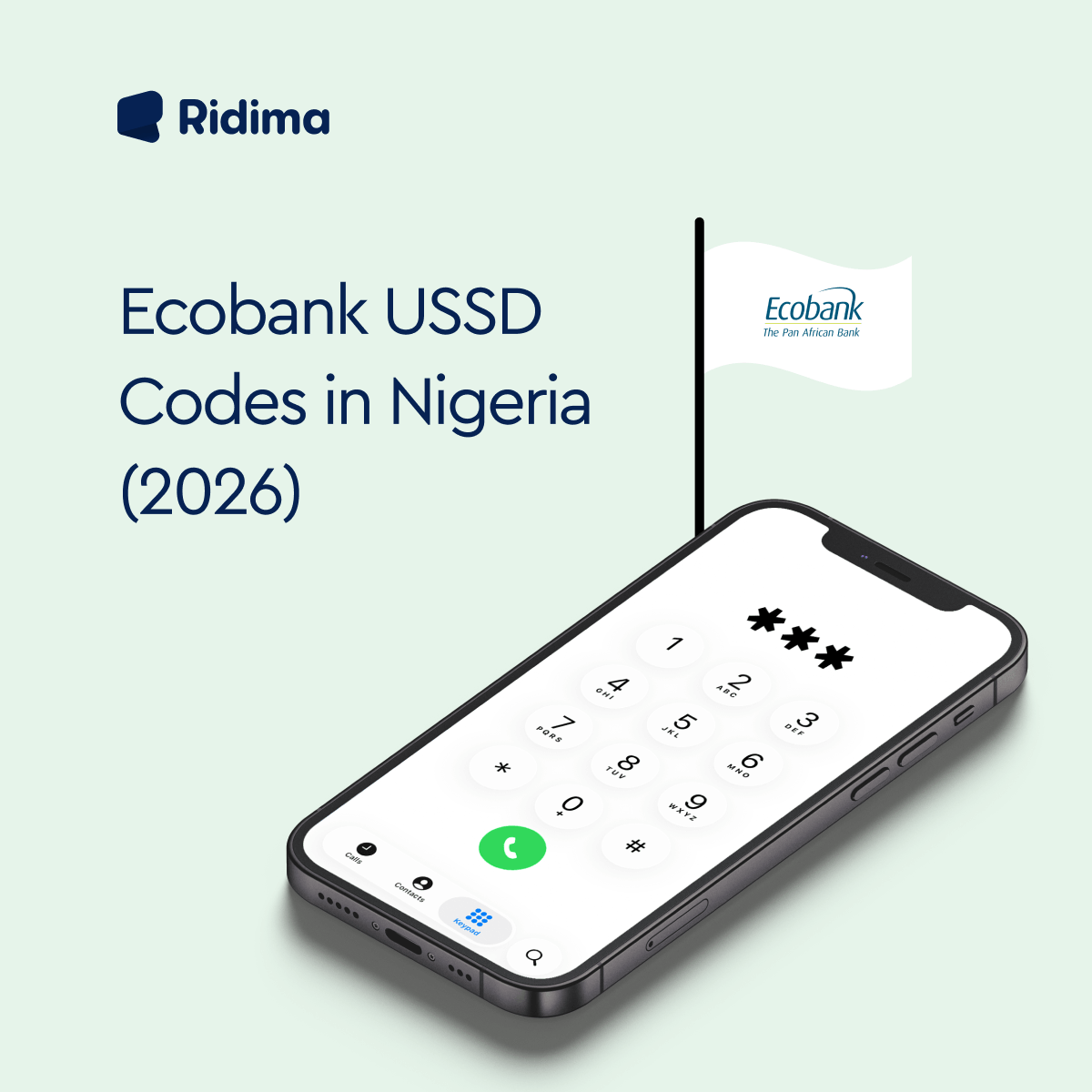
The Ecobank USSD code is *326#. It allows customers to transfer money, check account balance, buy airtime, pay bills, open accounts, and manage banking services without internet access.
What Ecobank USSD Banking Means
Ecobank USSD banking is a mobile banking system that works without internet. You simply dial *326# on your phone and access your bank account through a menu.
It is commonly used when:
- Your internet is not working
- You need to send money urgently
- The mobile app is not opening
- You are using a basic phone
- You want fast banking without logging in
It works across all Nigerian networks.
Ecobank USSD Codes in Nigeria (2026)
Once you dial *326#, you get access to:
- Transfers
- Airtime purchase
- Account balance
- Bill payments
- Account management
- Security settings
Quick Ecobank USSD Codes Table
| Service | Code |
| Main Menu | *326# |
| Account Balance | *3260# |
| Airtime (Self) | *326Amount# |
| Airtime (Others) | *326Amount*PhoneNumber# |
| Money Transfer | *326# → Transfers |
| Bill Payment | *326# → Pay Bills |
| Block Account | *326# → Security Options |
How To Activate Ecobank USSD Banking
Here is how to activate Ecobank USSD banking;
- Dial *326#
- Use the phone number linked to your Ecobank account
- Follow the prompts
- Create a 4-digit USSD PIN
- Confirm your PIN
Once done, your account is ready for USSD banking.
How To Transfer Money Using Ecobank USSD
Follow the steps below to transfer money using Ecobank USSD;
- Dial *326#
- Select “Transfers”
- Choose bank (Ecobank or other banks)
- Enter account number
- Enter amount
- Confirm with your PIN
How To Buy Airtime on Ecobank USSD
For Yourself:
Dial:
326Amount#
Example:
3261000# → ₦1000 airtime
For Someone Else:
Dial:
326Amount*PhoneNumber#
You will get your airtime instantly.
How To Check Ecobank Account Balance
The code to check your Ecobank account balance is *326*0#. You may be required to enter your PIN before your balance displays.
How To Pay Bills Using Ecobank USSD
Dial *326#, then select “Pay Bills”.
You can pay for:
- Electricity bills
- DSTV, GOTV, Startimes
- Internet subscriptions
- Other utilities
It works instantly once confirmed.
How To Block Ecobank Account
If your phone is lost or stolen, follow the steps below to block your Ecobank account;
- Dial *326#
- Select Security Options
- Choose “Block Account”
- Confirm action
This immediately prevents unauthorized access.
Ecobank USSD Charges (2026)
- Dialing *326# is free
- Network providers may charge ₦6–₦7 per session
- Standard transfer fees apply
- Airtime purchase may include minimal charges depending on the network.
Common Ecobank USSD Problems & Fixes
Here are the common Ecobank USSD problems and their fixes;
- USSD not responding
Oftentimes, this is usually caused by network issues. You can move to a stronger signal area and retry.
- Wrong PIN error
You can reset your PIN using *326# and click on PIN reset
- Transaction failed
If your transaction fails, you should check:
- Balance
- Recipient details
- Network strength
- Session timeout
Restart the process and complete it faster.
- SIM not linked to account
You must use the phone number registered with your Ecobank account.
How To Set or Reset Your USSD PIN
If you want to set or reset your USSD PIN, use the step below;
To set PIN:
- Dial *326#
- Select “Create PIN”
- Enter 4 digits
- Confirm
To reset PIN:
- Dial *326#
- Select “Forgot PIN”
- Verify identity
- Create new PIN
Ecobank USSD vs Mobile App
| Feature | USSD (*326#) | Mobile App |
| Internet required | No | Yes |
| Speed | Very fast | Moderate |
| Advanced features | Limited | Full access |
| Works on all phones | Yes | No |
Safety Tips For Users of Ecobank USSD Codes in Nigeria
Here are some safety tips if you use Ecobank USSD codes in Nigeria;
- Never share your PIN
- Avoid using public phones
- Always confirm transactions carefully
- Block the account immediately if the phone is stolen
Benefits of Using Ecobank USSD Codes
Here are some benefits of Ecobank USSD banking;
- Works without internet
- Fast and reliable
- Available 24/7
- Works on all mobile phones
- Ideal for emergencies
- Supports all Nigerian banks
Limitations of Ecobank USSD Codes
Here are the limitations of Ecobank USSD codes in Nigeria;
- Requires a network signal
- Some services still need the app
- Daily limits apply
- USSD session fees may occur
Frequently Asked Questions (FAQs) About Ecobank USSD Codes in Nigeria
Here are some of the frequently asked questions about Ecobank USSD codes in Nigeria;
Question 1: What is the Ecobank USSD code?
The Ecobank USSD code is *326#.
Question 2: How do I check my Ecobank balance?
Dial *326*0#.
Question 3: Can I transfer money without internet?
Yes, using *326# transfers menu.
Question 4: Do Ecobank USSD Codes work on all networks?
Yes, you can use Ecobank USSD codes on MTN, Airtel, Glo, and 9mobile.
Question 5: What happens if I lose my phone?
Dial *326# and block your account immediately.
Question 6: Is Ecobank USSD free?
Dialing is free, but network charges may apply.
Conclusion
If you ever find yourself without internet but still need to handle banking quickly, Ecobank USSD is one of the simplest tools you can rely on. With just *326#, you can transfer money, check your balance, buy airtime, and manage your account in seconds.
It is fast, reliable, and designed for real-life situations where you just need things to work without stress.
If you enjoyed this, read more here.
Moniepoint USSD Codes in Nigeria (2026 Guide)
PalmPay USSD Codes in Nigeria (2026): Transfer, Airtime, Balance; Full Guide
OPay USSD Codes Updated (2026): Transfer Money, Buy Airtime & Mobile Banking
Airtel Night Plan: Get 1GB for Just 100 Naira
How To Link NIN to an MTN Line in 2026
How To Check Airtime And Data Balance On MTN, Airtel, GLO, & 9Mobile (2025 Guide).
How To Send Airtime To Your Loved Ones With Ease.
How To Plan For Monthly Bill Payments: Budgeting 101.
How to Load MTN Airtime/Credit Card (MTN Recharge Code)
How To Check Airtime And Data Balance On MTN, Airtel, GLO, and 9Mobile
How To Pay Your DSTV Subscription Online in Nigeria.
Easy Ways to Recharge a Prepaid Meter in Nigeria In 2025.
7 Ways to Fund Your 1xBet Account In Nigeria.
7 Ways to Fund Your 1xBet Account In Nigeria.
Different types of gift cards in Nigeria: a list
Best Gift Cards to Give a Friend On Their Special Occasion
6 Ways to cash out on your AMEX gift cards
Errors Associated with Amazon Gift Cards and How to Fix Them. – Ridima